


7 Best WordPress Caching Plugins to Speed Up Your Site (2026)

Is your WordPress site still slow even after using a “performance” plugin? It’s an everyday story for most business owners! Many site owners install a caching plugin, enable a few settings, and still struggle with poor page speed scores. Ever wondered why?
The answer is simple: not all WordPress caching plugins work the same way. Some caching plugins for WordPress are beginner friendly and automated, while others offer deep customization but come with technical settings.
That’s why we’ve created this 2026 comparison of the 7 best WordPress caching plugins. We’ll walk you through top premium and free options, explain how WordPress caching works and helps you find the best plugin to speed up your WordPress site without any trials and errors.
Quick Overview: Best WordPress Caching Plugins Compared
Short on time? No problem! Take a look at the best WordPress caching plugins, compare and explore to see which one fits your site the “BEST.”
| Plugin | Best For | Free Version | Ease of Use | Standout Strength |
| WP Rocket | Best overall performance | ❌ | ⭐⭐⭐⭐⭐ | Automatic caching & Core Web Vitals optimization |
| LiteSpeed Cache | LiteSpeed hosting users | ✅ | ⭐⭐⭐⭐ | Server-level caching (free) |
| W3 Total Cache | Advanced users & developers | ✅ | ⭐⭐ | Deep multi-layer caching control |
| WP Super Cache | Beginners & blogs | ✅ | ⭐⭐⭐⭐ | Simple static HTML caching |
| WP Fastest Cache | Quick setup & instant impact | ✅ | ⭐⭐⭐⭐ | Beginner-friendly with powerful features |
| Cache Enabler | Lightweight websites | ✅ | ⭐⭐⭐⭐⭐ | Minimal, fast, no-frills caching |
| WP-Optimize | Caching + cleanup | ✅ | ⭐⭐⭐⭐ | Database + image + cache optimization |
Learn the Basics: What Is WordPress Caching?
WordPress caching is a performance technique that stores static versions of your website pages so they load faster for visitors.
WordPress caching stores the temporary copies of your website data, such as HTML pages, images, and database queries, which is known as “cache.” This way, whenever a visitor visits your site, the server saves the complete build processes.
In simple words, it’s like making a photocopy of your WordPress site pages and storing them temporarily at a one hand distance.
- Without caching, WordPress rebuilds the page on every visit.
- With caching, visitors see a ready made version instantly.
WordPress caching comes with:
- Page caching: stores full page HTML.
- Browser caching: saves assets in the visitor’s browser.
- Object caching: reduces repeated database queries.
- GZIP & file compression: reduces file sizes.
- CDN integration: delivers content from nearby servers.
This is why caching is one of the most effective ways to speed up a WordPress site. Best of all, in most scenarios, you don’t have to even change your hosting plan.
Why Use a WordPress Caching Plugin?
Now, website speed isn’t just a technical detail anymore in 2026. It straight off impacts your:
- SEO rankings
- Conversions rates
- And user experience.
A slow WordPress site can cost you traffic, sales, and credibility before visitors can even see your content.
That’s where WordPress caching plugins come in. Having the best cache plugin for WordPress can easily lower the load times, improve Core Web Vitals, and help your site handle more traffic without upgrading hosting.
Apart from this, here are the key benefits of why you must use a WordPress caching plugin:
- Faster load time
- Boost user experience
- Better SEO ranking
- Beginner friendly setup
- Lowers server load
- Improves your site’s Core Web Vitals
- Budget friendly way to speed up your WordPress site instead of getting new hosting.
7 Best WordPress Caching Plugins in 2026
1. WP Rocket
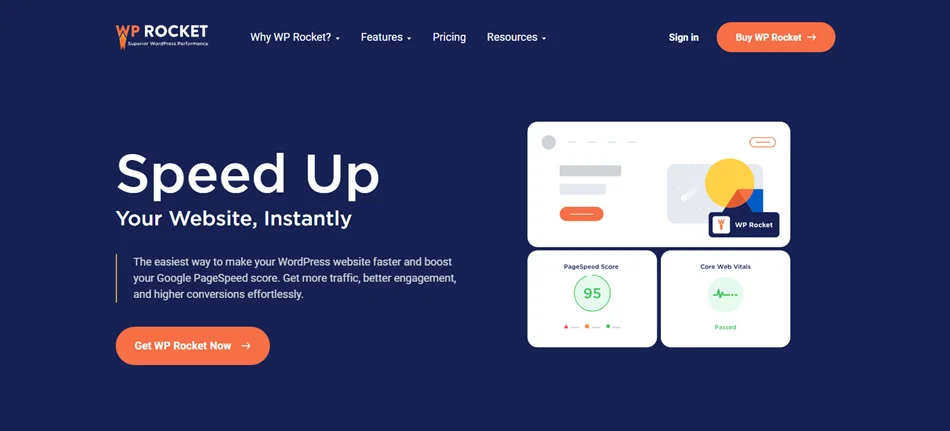
WP Rocket is the best overall WordPress caching plugin because it delivers instant speed improvements with very minimal setup. What we liked the most is it starts working right out of the box. No manual configuration needed!
Once activated, WP Rocket automatically applies page caching, browser caching, GZIP compression, and smart optimizations that boost your load times and Core Web Vitals right away.
It’s a premium plugin built for WordPress users who want full-power performance, making it one of the most trusted solutions for WordPress caching. WP Rocket is compatible with most of the popular WordPress themes and plugins. Also, its core performance features include
- Page Caching
- File optimization
- GZIP Compression
- Browser Caching
- Lazy Loading
Standout Features:
- Easy & quick to setup even for beginners and first time users.
- Advanced caching of page and browser as well as cache preloading for super fast content delivery.
- Lazy loading for delaying images and videos till they come in the viewport.
- Delayed JS execution and critical path CSS boost Core Web Vitals.
- WooCommerce friendly.
- Rocket Insights for performance tracking.
Pricing:
- Free version: Not available.
- Premium Plan: The premium plans of WP Rocket starts from $59/year.
Best For:
- Business websites and blogs that need fast results.
- WooCommerce stores focused on conversions.
- Users who want a set-it-and-forget-it caching solution.
- Non technical site owners and agencies.
Why We Recommend WP Rocket: We recommend WP Rocket because it removes the complexity that always typically comes with WordPress caching. Plus, it combines ease of use with powerful features such as lazy loading, database optimization, CDN compatibility and preload caching, all in one interface.
2. LiteSpeed Cache
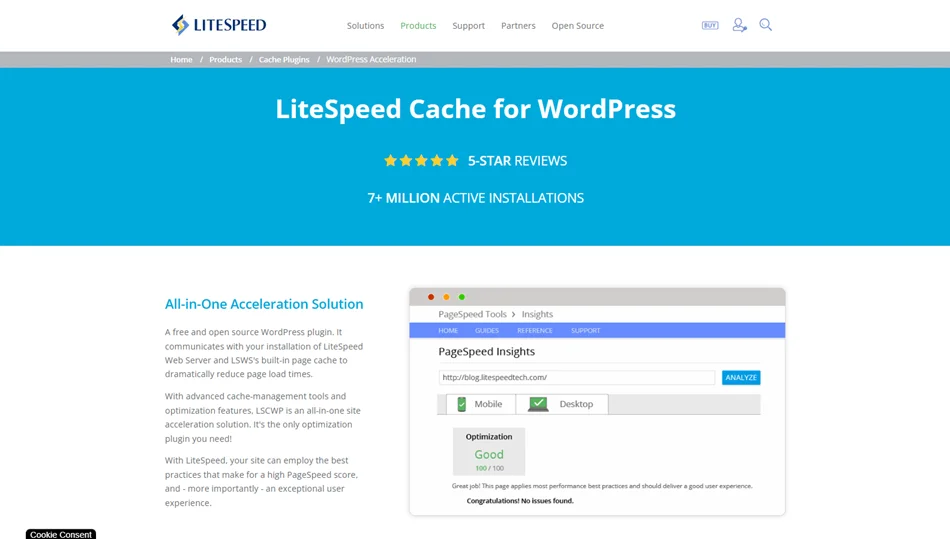
LiteSpeed Cache is a powerful WordPress caching plugin that comes loaded with server level performance optimization for sites hosted on LiteSpeed servers.
Unlike other traditional caching plugins that work only at the WordPress level, LiteSpeed Cache integrates directly with the LiteSpeed web server. Thus, this lets it process cached content faster, handle high traffic effortlessly, and offer outstanding performance.
Even if you’re not on LiteSpeed hosting, the plugin still offers a rich set of general optimization features that work on Apache, NGINX, and other servers. But its exclusive caching features unlock their full potential only on LiteSpeed servers or when used with QUIC.cloud CDN.
Once you are enabled, LiteSpeed Cache offers advanced page caching, object caching, browser caching, and image optimization, all managed from a single WordPress dashboard.
What caught our eye was that when LiteSpeed Cache is paired with its compatible hosting, it can outperform many premium caching plugins, even though it’s completely free.
Standout Features:
- Server level caching for lighting fast page loading.
- QUIC.Cloud CDN integration.
- Advanced image optimization and lazy loading.
- Edge Side Includes (ESI) to cache specific page fragments such as user specific content.
- Simple setup with advanced features and great results even for beginners.
- Smart cache preloading and private cache.
Pricing:
- LiteSpeed Cache is 100% free to download if you have the right server.
Best For:
- Users looking for the best free cache plugin for WordPress with premium features.
- Websites hosted on LiteSpeed or OpenLiteSpeed servers.
- Developers and power users who want deep performance customization.
Why We Like LiteSpeed Cache: It’s one of the most powerful free WordPress caching plugins available today. When paired with LiteSpeed hosting, it offers a server level caching that most plugins simply can’t even think of matching.
3. W3 Total Cache
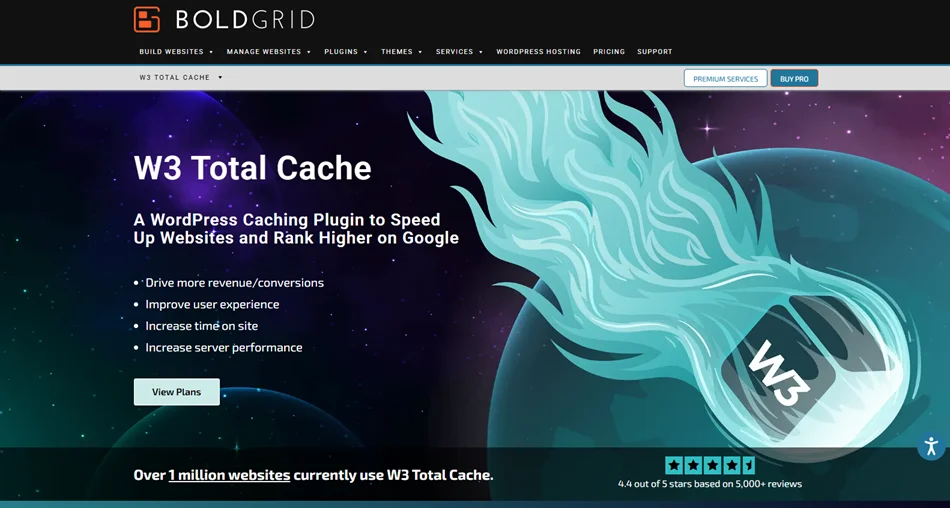
W3 Total Cache is a highly configurable WordPress caching plugin designed for those who want full control over performance optimization. It’s one of the oldest and most widely used caching plugins in the WordPress ecosystem. Furthermore, W3 Total Cache actually improves your website speed by:
- Lowering load times.
- Minimizing server load.
- Optimizing how content is delivered to visitors.
Unlike other beginner friendly plugins we’ve seen so far, W3 Total Cache offers complete overall control over almost every caching layer, making it the best for advanced users, developers, and performance focused site owners. Plus, its core caching features already include powerful ones such as:
- Page Caching
- Fragment Caching
- REST API Caching
- Database Caching
- Object Caching
- Browser Caching
Standout Features:
- Multi-layered caching for optimizing your frontend and backend both at once.
- Advanced asset optimization by minifying and combining CSS, JS, and HTML. Plus, it supports script delay and lazy loading.
- Smoothly connect with multiple CDNs for super fast content delivery, including full site delivery too.
- Advanced settings for user agent groups, cookie groups, and more.
- Feature-rich free version.
Pricing:
- Free version: Available.
- Premium plans: W3 Total Cache has multiple paid plans starting from $99/year for 1 site license.
Best For:
- Developers and technically confident people.
- High traffic websites that need advanced tuning.
- Sites using CDNs and complex hosting environments.
- WordPress sites where default caching isn’t enough.
Why We Recommend W3 Total Cache: Well, if you can manage detailed settings and want to optimize every aspect of WordPress caching, W3 Total Cache still is one of the most powerful options available.
4. WP Super Cache
WP Super Cache is the best free and simple cache plugin for WordPress. This plugin is for users who want full simplicity, reliability, and fast page load times with minimal settings.
WP Super Cache generates static HTML files from your dynamic WordPress pages. Thus, these static files are served to most of the visitors. This lowers the server processing load and skyrockets site speed, all without complex setup.
Despite being free, WP Super Cache is trusted by millions of websites, including high traffic blogs and small business sites.
Standout Features:
- Have multiple caching modes.
- Creates static HTML files for much faster load times.
- Cache preloading for your complete site’s content.
- Cache garbage collection.
- Smoothly integrates with CDN (content delivery network).
- Super simple and easy to use.
- Free & open source.
Pricing:
- WP Super Cache is completely free to use.
Best For:
- Beginner WordPress users who want easy setup and reliable caching.
- Small blogs and business websites.
- Anyone who wants a trusted, free WordPress caching plugin.
Why We Love WP Super Cache: WP Super Cache is a popular plugin for delivering consistent, reliable caching without any premium price tag. Also, its static page caching system is fast, lightweight, and easy to configure.
5. WP Fastest Cache

WP Fastest Cache is a performance-focused caching plugin with powerful speed boosting features. It is perfect for users who want quick performance gains with minimal configuration.
Unlike some advanced caching solutions that overwhelm you with options, WP Fastest Cache delivers fast page loads without any complex performance settings; you can directly jump into what matters the most.
Standout Features:
- Easy to setup and comes with modes such as simple and expert.
- GZIP compression to reduce the file size.
- Browser caching and mobile caching.
- Automatic cache management.
- Combined CSS/JS files to reduce requests.
- Image optimization and lazy loading.
Pricing:
- Free version: Available.
- Premium Plans: It offers lifetime plans starting from $49 for 1 license.
Best For:
- WordPress users who want fast setup and instant results.
- Beginners and non tech site owners.
- Small business websites and blogs.
Why We Recommend WP Fastest Cache: It strikes a powerful balance between ease of use and advanced features to speed up your WordPress site in no time. You don’t need to be a developer to get meaningful speed improvements. Just install the plugin, enable a few key settings, and you’ll see faster load times across your site.
6. Cache Enabler
Cache Enabler is the easiest yet powerful WordPress cache plugin compared to others. Furthermore, it is a super lightweight WordPress caching plugin that offers fast performance with only a few configurations.
If you want a “too simple” caching solution that just works, Cache Enabler is the choice. It gives you static HTML files and optimizes page load times, without overwhelming you with advanced settings.
Till now, we can say it is one of the most beginner friendly and lightweight caching plugins for WordPress so far.
Standout Features:
- Super lightweight and simple to get started.
- Generates static HTML files to bypass unnecessary loads.
- It smoothly integrates with other performance tools like Autoptimize.
- Minifies HTML, CSS, and JS.
- Shows real time cache size in the WordPress dashboard.
- Manual cache and WP-CLI cache clearing.
- Supports WebP images and compresses files for smaller transfer.
Pricing:
- Cache Enabler is completely free to use.
Best For:
- Beginners and new WordPress users.
- Small blogs and simple business sites.
- Websites on shared hosting.
Why We Suggest Cache Enable: It delivers fast and reliable caching with almost zero setup. You don’t need to worry about complex settings either. Just install, enable caching and enjoy faster page loads.
7. WP-Optimize
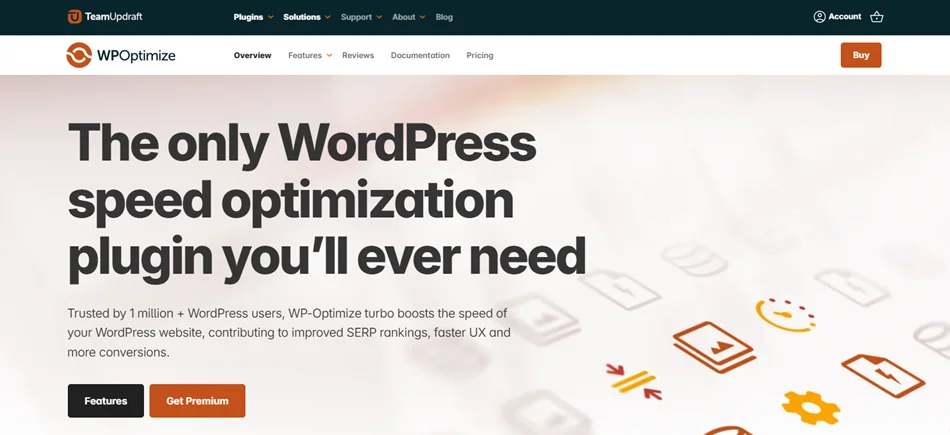
With over a million active installations, WP-Optimize is an all in one performance plugin that combines caching with database cleanup and image optimization.
Beyond fast page caching, WP-Optimize removes database clutter, compresses images, and decides how your site loads content. That full site performance makes it especially powerful for WordPress sites that want speed plus cleanup and optimization in one tool. With this, you can easily:
- Cache your site
- Compress images
- Clean database
- Minify codes
Standout Features:
- Powerful database cleanup that cleans up post revision, auto drafts, trashed posts or comments, spam, and even expired transients on schedule.
- Smart image optimization and lazy loading.
- Advanced caching options for pages, browsers, and cache preloading.
- Minify HTML, CSS, and JS to boost load time.
- Simple user friendly interface.
Pricing:
- Free version: Available.
- Premium Plans: It comes with three plans starting at $49.00/year (for 2 sites).
Best For:
- Site owners who want more than just caching.
- Websites with database performance issues.
- Anyone who wants an integrated performance toolkit.
Why We Shortlisted WP-Optimize: WP-Optimize cleans up your database, optimizes images, and improves overall website performance in one place.
Conclusion: Speed Up Your WordPress Site the Smart Way
A faster WordPress site isn’t just about better PageSpeed scores. There are far more things to consider, such as:
- Higher conversions.
- Better SEO rankings.
- Happier users and visitors.
All the WordPress caching plugins we’ve explored in this blog help lower server load, improve Core Web Vitals, and give content faster to your visitors.
You don’t need to be a developer to speed things up. Many of the plugins we’ve explored in this list offer one click setup, smart defaults, and straight off performance boosts.
You can start with a beginner friendly option, test your site speed, and upgrade or switch when you need more advanced features. With the best WordPress caching plugin, a faster WordPress site is never out of reach.
You May Also Like: