11 Best WordPress Booking Plugins For Appointments & Scheduling

Appointments are the lifeblood of any service based business. Yet most businesses still manage them the old fashioned way…manually. That’s a problem!
Although WordPress doesn’t come with a built-in appointment system, who says you can’t get one? As a WordPress site owner, you basically have two choices:
- Get a standalone booking app (which feels like wasting WordPress’s true potential).
- Get a WordPress appointment booking plugin.
We personally use a WordPress booking plugin to keep everything in check. From managing clients and staff to syncing calendars, we’re going to share the 10 best appointment booking plugins for your WordPress site.
Let’s get into the list!
TL;DR: After testing and exploring 10+ WordPress booking plugins, the one that stood out of the crowd is BookingPress. This WordPress appointment scheduling plugin is packed with robust features and user friendliness, delivering a smooth experience for you, your staff members and your customers.
Quick Look: Best WordPress Booking Plugins In 2026
Here’s a quick roundup of the best WordPress booking plugins to save you time and help you decide quickly.
| Plugin | Best For | Starting Price | Key Features |
| BookingPress | All‑in‑one booking for service businesses | $89/year | 20+ payment gateways, staff & services management, automated notifications, 40+ add‑ons & Integrations, Upsell features |
| Gravity Booking | Turning standard forms into advanced booking systems. | $79/Year | Unlimited booking forms, flexible scheduling, staff and location management, automated notification. |
| Bookly | Using an à la carte addon system for modularity | $49/Year | Over 40 addons, deep calendar synchronization, multi-step front-end widget |
| WP Simple Booking Calendar | Simple availability calendars | $39/Year | Easy calendar display, availability management, export events, fully translatable, priority support |
| Bookings And Appointments for WooCommerce by PluginHive | Flexible WooCommerce-powered booking & reservation system | $149/Year | Smooth WooCommerce integration, dynamic booking cost calculation, multi-day/time bookings, group bookings, services & resource management |
| MotoPress Appointment Booking | Appointment based businesses | $49/Year | Unlimited services and staff, Multi-location management, mobile-friendly booking widget, Two-way Google Calendar sync |
| Appointment Hour Booking | Hour‑specific bookings | €6.99/month | Exact time slot picks, flexible rules, automatic pricing, payment integrations |
| Easy Appointments | Free multi‑service scheduler | Free | Multiple workers/locations, calendar sync, API & automation, customizable forms |
| Booking Calendar | Visual calendar based booking | $41.87 one‑time (free updates for 6 months) | Unlimited calendars, payments, multi‑day pricing, coupon support |
| Webba Booking | Balanced, modern scheduling | $19/month | 100+ gateways, Google/iCal sync, custom fields, merged calendars |
| Bookster | Flexible appointment booking for small to medium sized businesses | $39/year | Unlimited services & bookings, online payments, automated notifications, Google Calendar integration, and premium add-ons |
Still exploring your options? Before choosing a WordPress booking plugin, it’s worth comparing different solutions based on different opinions. For another in-depth comparison, check out this guide on Best WordPress Booking Plugins that compares and tested all most popular booking plugins.
Read more 👉12 Best WordPress Booking Plugins Compared 2026
1. BookingPress
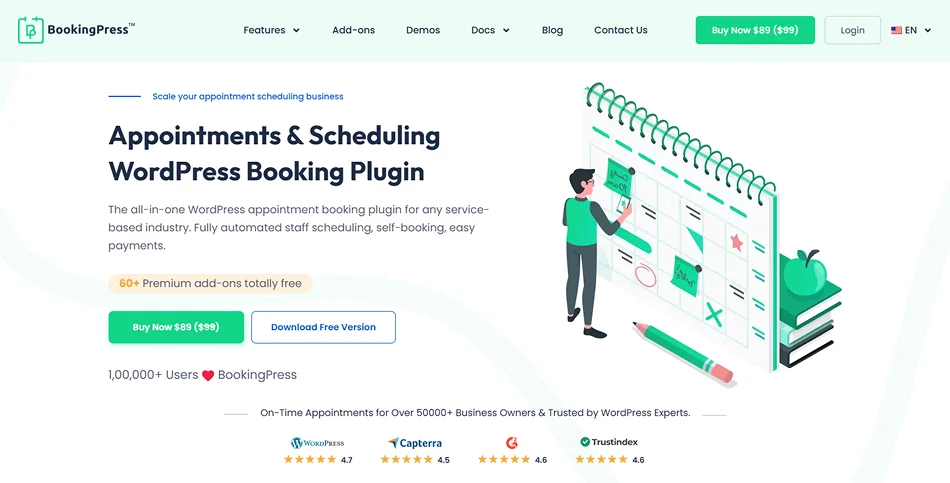
BookingPress is a top-notch WordPress booking plugin for service based businesses that want to create a 24/7 online booking system for their websites. It delivers a powerful dashboard for admins and staff both to manage their appointments effortlessly.
Brand your booking form, send automated notifications, sync calendars, and allow your clients to book your service anytime from anywhere. BookingPress makes sure your clients get the best hassle free appointment booking experience.
All in all, the BookingPress plugin is the best WordPress booking plugin for all service-based businesses, be it salon, clinic, consultancy firm, house cleaning, rental or coaching center.
BookingPress Features You’ll Love:
- Two way sync with popular calendars such as Google, Outlook, and Apple Calendar.
- Automated staff management to assign specific services, set working hours, and more.
- Easy to manage services and staff across multiple locations and outlets.
- Send automated notifications via email, WhatsApp, SMS, and Telegram.
- Create packages of multiple services.
- Advanced analytics dashboard.
- Dynamic pricing with happy hours and coupon codes.
- Have multiple add-ons to upsell your service.
- Accept payments by 21+ payment gateways + POS support.
- Smoothly integrate with Mailchimp, Zoom, Zapier, etc.
Pros:
- 60+ premium addons right out-of-the-box
- User friendly interface
- No-lag performance
- Wide range of local and international payment gateways
Cons:
- No native mobile app for staff members (Although its fully mobile-optimized)
- No white labeling
Cost of BookingPress: It has a free version and the premium plan starts from $89/year.
Our Verdict: BookingPress is a powerful booking system that offers incredible long term value for any service business serious about its growth. It’s our best recommendation for appointment-based companies that need robust features and user friendliness in one place.
However, for those looking for a complete free booking solution, you can hop onto our next best booking plugin which is….
2. WP Simple Booking Calendar
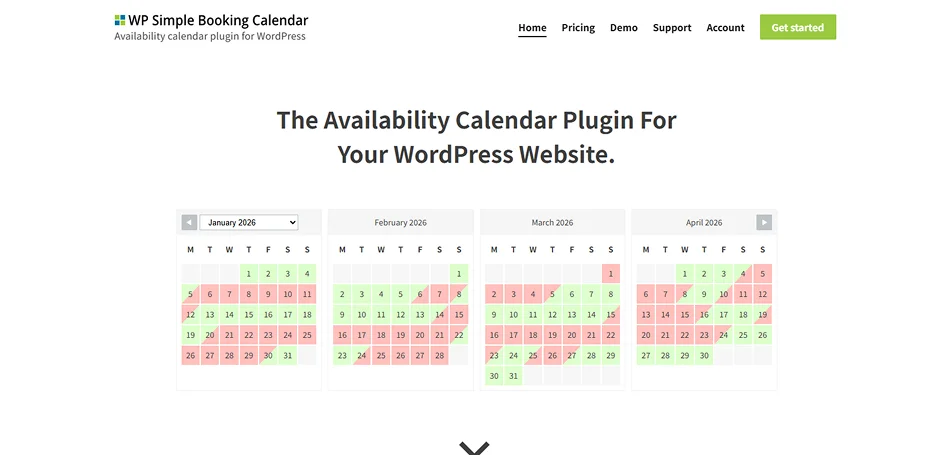
WP Simple Booking Calendar is one of the most lightweight and beginner friendly WordPress booking plugins for business owners who want to show availability in a simple calendar view. No matter whether you manage rentals, accommodations, events or services, this plugin is perfect for businesses where customers only need to see open dates before booking.
It never overwhelms users with advanced workflows. From easy to use availability calendars to simple shortcode integration, WP Simple Booking Calendar gives you only what matters then most without complicating stuff.
Why WP Simple Booking Calendar Stands Out:
- Create one calendar in a free version.
- Simple user friendly interface.
- Lightweight and easy to use.
- Create and manage multiple booking calendars with ease.
- Easy shortcode support to add calendars.
- Smoothly syncs with Airbnb, Google Calendar and more.
- Create and show your own Calendar legend.
- Export dates as CSV file.
- Language translation ready.
- Professional support.
Pros:
- Highly user friendly
- Easy to add calendar with simple shortcodes
- Mobile responsive
- Translation options for over 30 languages
- Lightweight
Cons:
- Can’t accept online payments
- Lacks advanced logic and white labelling
Cost of WP Simple Booking Calendar: The free version is available, and the Pro version starts from $49/Year.
Our Verdict: WP Simple Booking Calendar is the most beginner friendly plugin we’ve came across. It’s best recommended for those who want a clean, date based availability calendar on their websites But it’s clearly not the first choice for those who need automated, hourly appointment bookings or built-in payment gateways.
3. Bookly
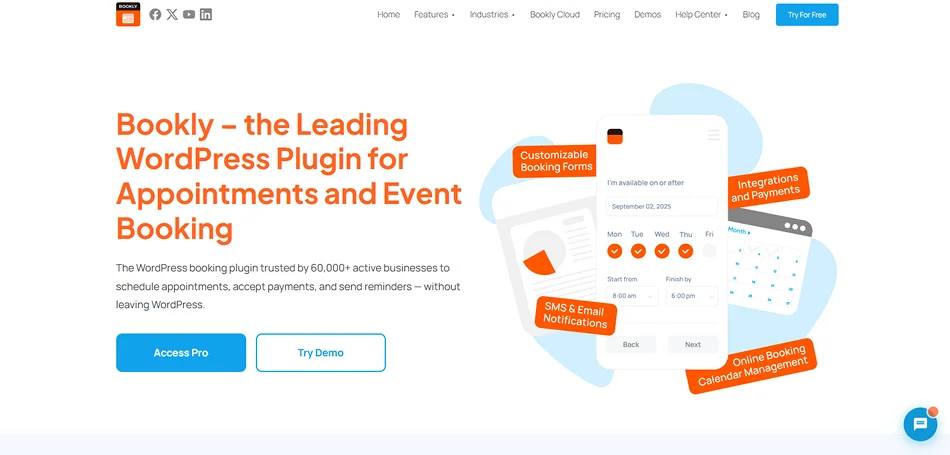
Bookly is one of the most popular WordPress booking plugins on this list. It lets you build custom booking workflows such as multiple locations, varying staff hours, or specific service extras with ease.
The plugin automatically fits any screen size and matches your website’s theme style. Furthermore, you can view, filter and manage tons of bookings across daily, weekly or monthly views from its intuitive admin calendar.
Overall, Bookly is a good WordPress booking plugin for complex service business yet if you’re a non tech user who wants a simple, plug and play appointment solution, we suggest looking around for better options.
Top Features of Bookly:
- 2-way Google Calendar sync
- Customizable booking form
- WPML integrations
- Unlimited staff profiles with unique schedules
- Group services by categories with distinct color coding
- Custom automated reminders via Email, SMS, and WhatsApp
- Built-in analytics
- Easy staff management
- Recurring appointments
- Secure 5+ payment gateway integrations, full or deposits
Pros:
- User friendly backend
- Two way calendar sync
- Highly customizable
- Over 40 paid addons to expand features
Cons:
- Costly paid addons
- Outdated customer-facing booking forms
- Configuration takes longer due to scattered settings
- Limited free tier
Cost of Bookly: The free version is available, and the Pro version starts from $49/Year. However, if you want even basic features such as Stripe or PayPal payment gateways for online payment, you either buy it separately or go for a higher tier plan starting at $149/Year.
Our Verdict: Bookly is an incredibly powerful WordPress booking plugin that lets you manage unlimited staff and custom booking workflows. But its reliance on paid addons and slightly outdated interface means it isn’t the best fit for everyone.
4. MotoPress Appointment Booking
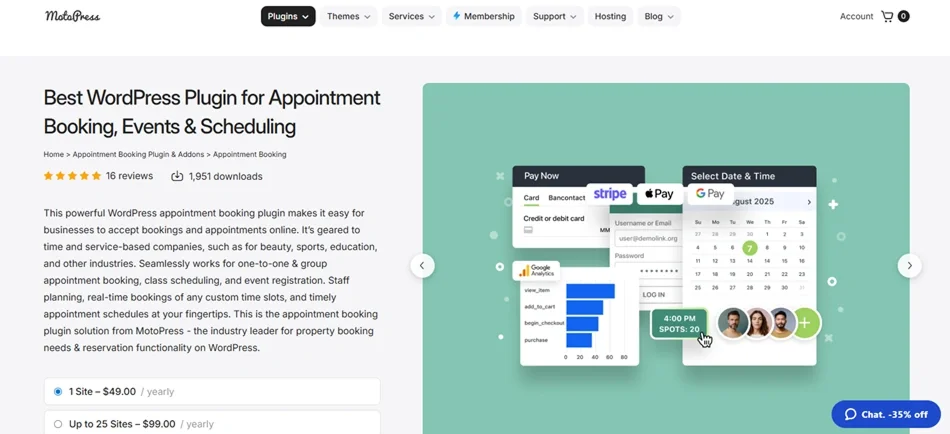
MotoPress Appointment Booking is another best WordPress booking plugin for service businesses who want flexible scheduling, automated booking and multi-step customer reservations.
What impressed us the most is its integrations with Google Analytics. This plugin makes it super easy to track eCommerce data and gives you all the data driven insights you need to make a better service conversion strategy. Apart from this, it excels in employee and location management, featuring a smooth multi-step booking wizard and flexible staff schedule.
Key Features That Set MotoPress Appointment Booking Plugin Apart:
- Unlimited services and employees.
- Smart buffers.
- Advanced staff and location management.
- Handles individual, group and recurring bookings with ease.
- Two-way sync with Google, Outlook, Apple and Yahoo Calendars.
- Automatic email and SMS notifications.
- On-site and online payments, full or partial via PayPal, Stripe, WooCommerce, and more.
- Client and staff accounts.
- Customizable booking forms.
- Appointment and revenue analytics dashboard.
Pros:
- Generous free (Lite) version
- Flexible scheduling
- Group bookings for classes and tours
- Clean customer booking flow
- Affordable compared to Bookly
Cons:
- Smaller user base with only 2000+ active installs
- Backend learning curve
- Addon-heavy
Cost of MotoPress Appointment Booking: It has a free version and the premium plan starts from $49/year.
Our Verdict: MotoPress Appointment Booking is an excellent, free-first WordPress plugin for independent professionals and small service businesses. It comes with overall essential features, but kind of falls short if you need industry titans with a good reputation.
5. Gravity Booking
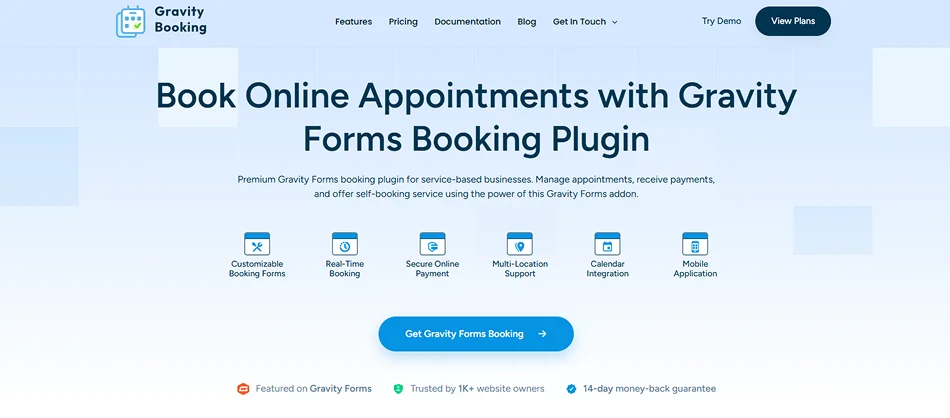
Gravity Booking is an advanced WordPress appointment booking plugin designed specifically for users of Gravity Forms. It transforms standard forms into powerful booking systems, making it an ideal choice for businesses requiring deep customization and multi-step scheduling workflows.
The plugin provides a centralized dashboard for managing services, staff, and locations, ensuring that complex booking requirements are handled within a single interface. Leveraging the flexibility of Gravity Forms, it allows users to create highly personalized booking experiences that align with specific business identities and operational needs.
What Makes Gravity Booking a Smart Pick:
- Build unlimited booking forms for various services.
- Two-way synchronization with Google Calendar and Outlook 365.
- Support for multi-location and multi-staff scheduling.
- Advanced lead time and buffer time management.
- Customizable email and SMS notifications for reminders.
- Integrated payment support for Stripe, PayPal, and Mollie.
- Frontend calendar and list views for client-side availability.
- Export booking data directly to CSV or PDF formats.
- Support for event-based bookings and full-day appointments.
- RTL language support for international accessibility.
Pros:
- Native Gravity Forms
- Payment flexibility via Gravity Forms gateways
- Dedicated mobile app
- Integrates smoothly with tools like GravityView and GravityFlow
- Advanced staff management
Cons:
- Needs Gravity Forms license
- Dependent on ecosystem stability
- Steep learning curve
- Costly for advanced use
Cost of Gravity Booking: It offers a freemium version for basic needs, while the premium plans start at $79/year for a single site license.
Our Verdict: Gravity Booking (by WPExperts) is a robust add-on plugin for Gravity Forms that turns your online forms into appointment scheduling systems. Although it offers native payment processing, staff/location management and Outlook 365 sync, its user interface can feel clunky and support can be hit or miss
6. WooCommerce Bookings and Appointments
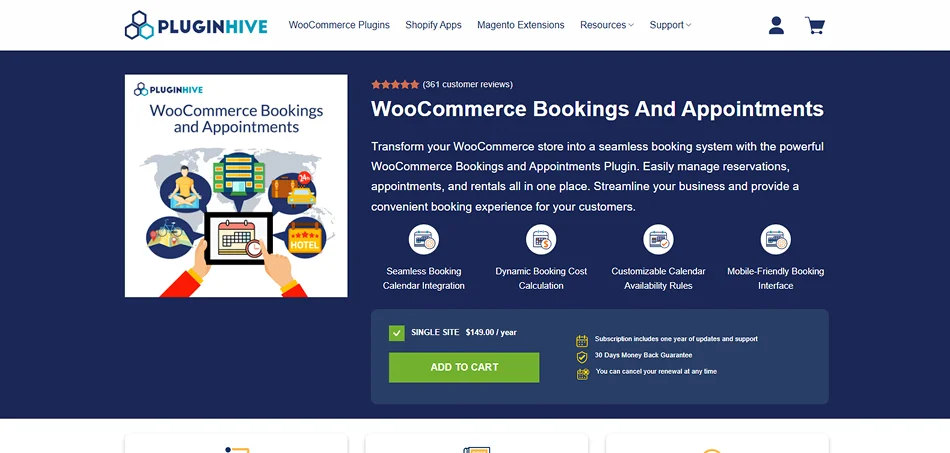
WooCommerce Bookings and Appointments is a powerful and flexible booking solution for WordPress that’s created for businesses already using WooCommerce.
With a smooth booking calendar, dynamic cost calculation and highly customizable availability rules, this plugin makes it super easy to manage reservations with zero manual work. From single day bookings and hourly appointments to multi day rentals and recurring sessions, this plugin makes sure your customers get a smooth booking experience from product page to checkout.
What Makes WooCommerce Bookings & Appointments a Smart Pick:
- Allow your clients to book multiple days or appointments at once.
- Dynamic booking cost calculation based on duration, guests, services, or custom rules.
- Additional services & resource management.
- Smoothly integrated with WooCommerce.
- Accept online payments using WooCommerce’s native checkout system.
- Advanced staff management.
- Set special prices for specific periods of time or day.
- Real time sync with Google Calendar.
- Send automated email notifications.
Pros:
- High built-in value
- Reliable calendar sync
- Exceptional customer support
- Multi-platform flexibility
Cons:
- Complex user interface for beginners; crowded with numerous settings
- Heavy reliance on addons
- Too much for simple needs.
Cost of WooCommerce Bookings & Appointments: No free version, its paid plan starts from $149.00/year.
Our Verdict: PluginHive’s WooCommerce Bookings and Appointments is largely considered an excellent feature rich choice. It is best for service providers, rental agencies and multi resource businesses wanting deep scheduling control. But, again, its complex interface and need for paid addons can be overwhelming for simple one-off setup.
7. Appointment Hour Booking
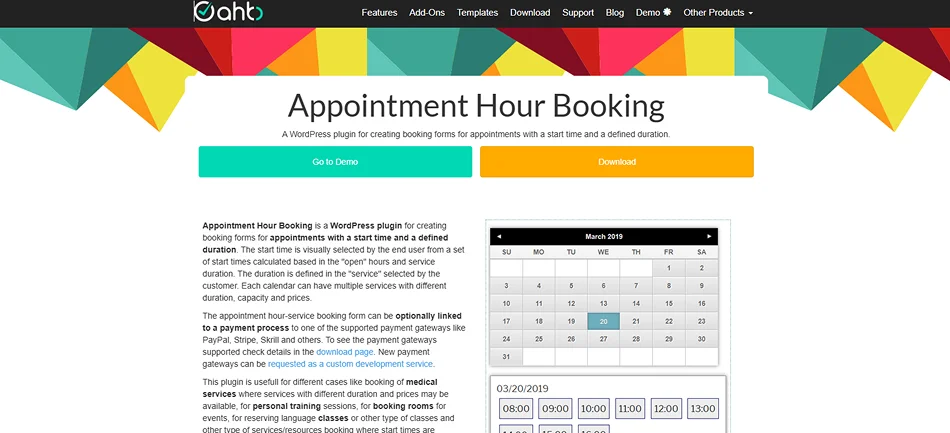
Appointment Hour Booking is a straightforward, simple WordPress plugin for appointment booking. It allows your clients to pick the exact appointment hours from your calendar. Thus. It’s an excellent choice for businesses that offer hourly services like consultations, classes, or rentals.
Moreover, this plugin calculates the cost automatically based on start times, open hours, and service duration.
What Makes Appointment Hour Booking Worth Using:
- Offer multiple types of services per calendar.
- Easily connect your booking forms with PayPal, Stripe, Skrill, and more.
- Automatic price calculation.
- Anti-spam and validation.
- Set flexible working hours for specific days.
- Send automated email confirmation reminders.
Pros:
- Usable free tier
- Deep visual form builder
- Rock solid slot locking
- Cost effective
Cons:
- Built for meetings, not staff
- Strictly automatic appointment confirmation
- Limited advanced features
Cost of Appointment Hour Booking: It offers a powerful free version to get started, and its premium plan starts from €6.99/month.
8. Easy Appointments
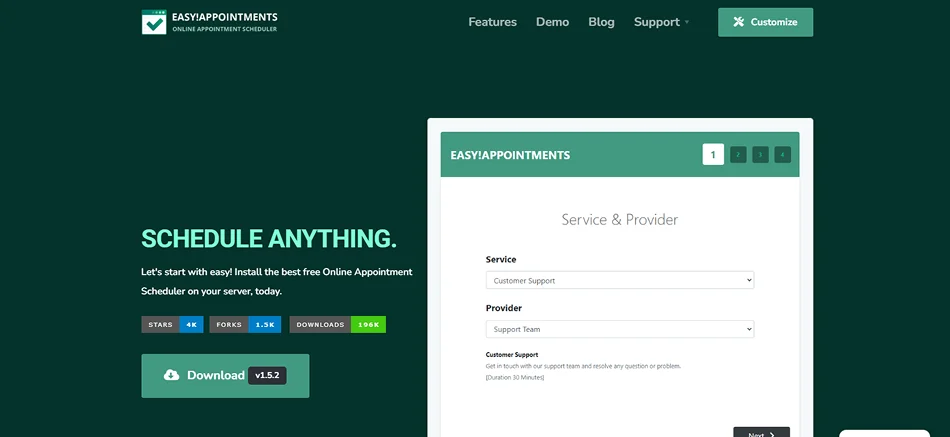
Easy Appointments is one of the most flexible and free WordPress booking plugins that makes scheduling appointments a breeze for service based businesses.
With this booking plugin, you can add unlimited services, locations,, and staff, while clients can book smoothly via your business site. Thus, it’s simple yet powerful enough to handle your complete scheduling business requirements.
Key Features That Set Easy Appointments Apart:
- Easy to manage appointments with a flexible calendar display.
- Free and open source.
- Fully flexible time management.
- Two way calendar sync of Google Calendar and Outlook via CalDAV.
- Advanced automation and custom integration via API and webhooks.
- Send customizable email notifications.
- Personalized booking form with custom form fields.
- Manage group sessions with ease.
- Translated into 21+ languages.
Pros:
- Zero subscriptions; completely free
- Flexible service mapping
- Deep UI control
Cons:
- Outdated front end booking form
- Cumbersome integrations
- Lacks modern UX flows
Cost of Easy Appointments: It is free to download and use.
Our Verdict: The Easy Appointments is a overall “Good” WordPress booking plugin if you need a complete free solution for complex setups. But don’t keep your expectations too high as this doesn’t have a polished user experience.
9. Booking Calendar
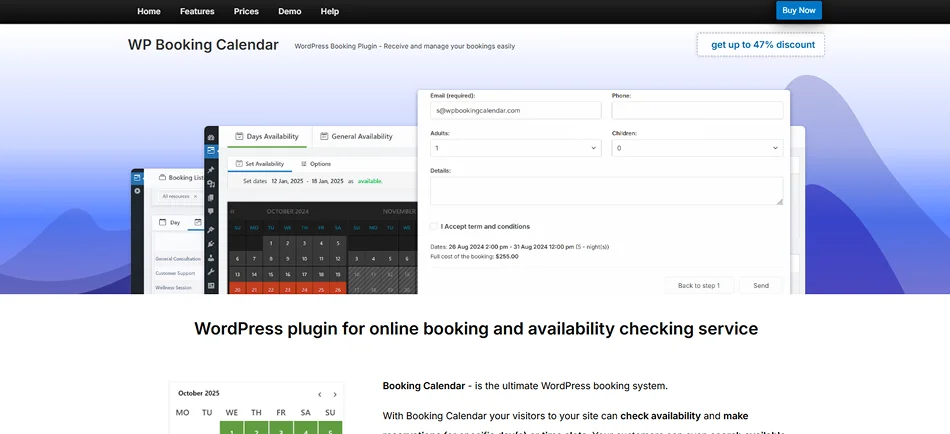
Booking Calendar is one of the most established and dependable WordPress booking plugins available. It’s a great choice for businesses that want a visual calendar interface where clients can check availability easily and make appointments without confusion.
From simple appointments to complex reservations, Booking Calendar grows with your needs while keeping setup simple and easy as always. Best of all, its pricing plans are not recurring; just pay once and that’s it. But the big con is that you get only 6 months of updates for free with all paid plans.
What Makes Booking Calendar a Top Pick:
- Create unlimited booking calendars.
- Advanced configuration for customizing the booking form.
- Easy yet powerful booking management.
- Accept online payments via popular payment gateways such as Stripe, PayPal, Authorize.Net, Pay in Cash, and more.
- Multi-day pricing, early booking, and last minute booking discount options.
- Easy to set different time slots for different days.
- Auto cancel pending bookings.
- Offer coupon codes for discounts.
Pros:
- Generous free version
- No external cloud storage so full privacy
- Supports multi-day rentals and time-slot hour appointments
- Ease of use
Cons:
- Admin dashboard is somewhat dated
- Needs premium version for advanced features
Cost of Booking Calendar: It offers a free version, and the paid version starts at $41.87 for a one-time payment (only 6 months of updates).
Our verdict: The Booking Calendar is a highly reliable booking tool for WordPress with robust free version. It’s our top recommendation for simple, single-service appointments and date-based rentals, though its backend interface is somewhat outdated.
10. Webba Booking
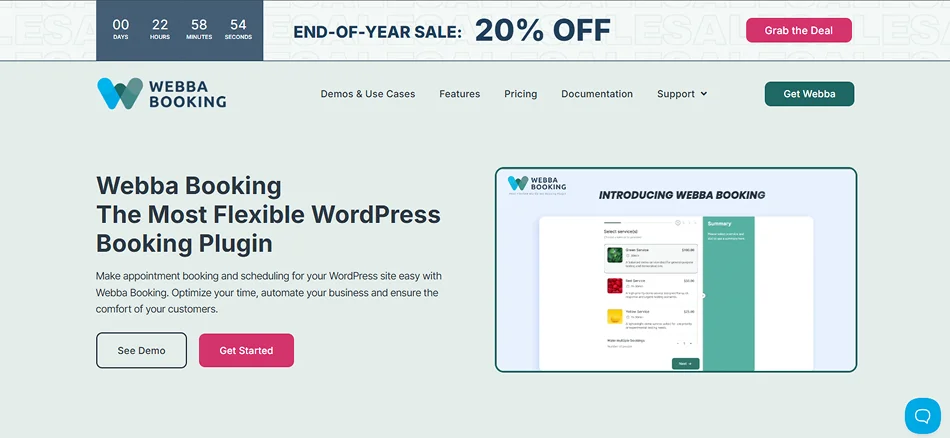
Next, Webba Booking is also a modern and user friendly WordPress scheduling plugin. If you want something easy to set up yet flexible enough for multiple appointment types, calendars and clients, Webba gets the job done with style.
That’s why this plugin is perfect for salons, clinics, tutors, fitness trainers and any business owner who wants a reliable way to let customers book services online.
Why Webba Booking Is a Great Choice:
- Fully flexible scheduling via a modern booking form.
- Multiple time slots and services.
- Send automated email and SMS notifications.
- Secure online payments via PayPal, Stripe, WooCommerce and other payment gateways.
- Unlimited custom fields for personalizing your booking form.
- Smoothly sync with Google Calendar and iCal attachments.
- Merge multiple service calendars into a single schedule.
- Offer discount coupons to boost customer satisfaction.
Pros:
- Over 80 design options
- Advanced features
- Reliable calendar sync
- Responsive support
Cons:
- Slightly cluttered interface as for 2026
- Steep learning curve
Cost of Webba Booking: It comes with a free Lite version and paid plans starting from $19/month and $279.20 for lifetime plans.
Our verdict: Webba Booking is an incredibly flexible and developer-friendly WordPress plugin praised for its deep customization and stellar customer support. Although its user interface feels less modern than competitors like BookingPress, it is highly recommended for businesses needing complex scheduling rules, advanced pricing or unlimited form customization.
11. Bookster
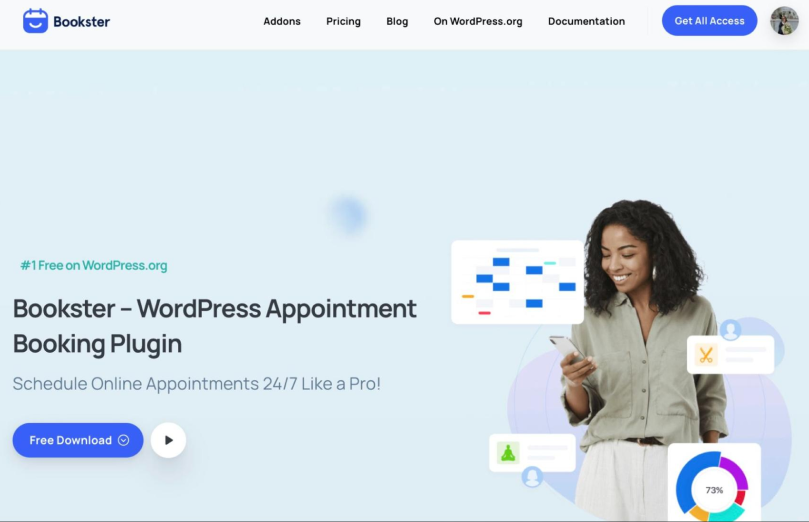
Bookster is a flexible WordPress appointment booking plugin built for businesses that want to stop managing appointments manually and start accepting bookings online. It lets you turn your WordPress website into a complete booking system where customers can choose a service, select an available time slot, and manage their appointments without having to call or message your team.
You can create unlimited services, organize them into categories, set custom time slots, and manage multiple staff members from one central calendar. Each agent can have their own availability, making it easier to handle different working hours, schedules, and service assignments. The customer dashboard also gives clients a convenient place to view and manage their bookings.
You can extend the booking system with add-ons for online payments, extra service options, custom fields, discounts and fees, group bookings, multiple locations, SMS notifications, and more. This makes it suitable for everything from salons and consultants to fitness businesses, clinics, tutors, and other appointment-based services.
What makes Bookster stand out:
- Unlimited services and appointments
- Customizable booking time slots and schedules
- Unlimited staff/agents with individual availability
- Full admin calendar for managing appointments
- Customer dashboard for viewing and managing bookings
- Custom booking forms and fields
- Online payments and payment integrations
- Automated email notifications
- Extra options for upselling services and add-ons
- Discounts and fees for flexible pricing
- Group bookings and multiple-location support
- Booking statistics and analytics
- Branded booking form design
- Google Calendar and other third-party integrations
Pros:
- Free version available
- Easy to set up and manage
- Unlimited services and bookings
- Flexible staff and service management
- Add-ons let you expand the booking system as your business grows
- Customer dashboard makes appointment management easier
Cons:
- Some advanced features require Pro or individual add-ons
- Businesses with very complex scheduling requirements may need time to configure the available options
Cost of Bookster:
Bookster offers a free version with essential booking features. The Pro plan starts at $39/year for a single site. If you want the complete collection of premium add-ons, the All Access plan starts at $79/year for one site.
Our Verdict:
Bookster is a solid choice for small to medium-sized businesses that want a straightforward way to add appointment scheduling to WordPress. Its free core, flexible service and staff management, and optional add-ons make it easy to start small and add more booking features as your business grows. If you want an appointment booking plugin that keeps your scheduling, customers, and services inside WordPress, Bookster is definitely worth considering.
Final Takeaway
In conclusion, having a WordPress booking plugin can easily turn your simple business site into an online booking system without any custom coding and any platform fees.
Thus, to help you get started, here’s a quick recap of the top 5 best appointment booking plugins for WordPress sites.
- BookingPress: Best all-in-one solution for all types of service based businesses.
- WP Simple Booking Calendar: Best for businesses who only need to display simple availability calendars.
- Bookly: Best if you want an à la carte style booking system.
- Gravity Forms: Top pick for Gravity Forms users.
- MotoPress Appointment Booking: Recommended for small to medium service business.
These are our suggestions for you, but keep in mind, the best WordPress appointment booking plugin is about choosing the one that fits your business today and still supports where you’re headed next.
Related articles: